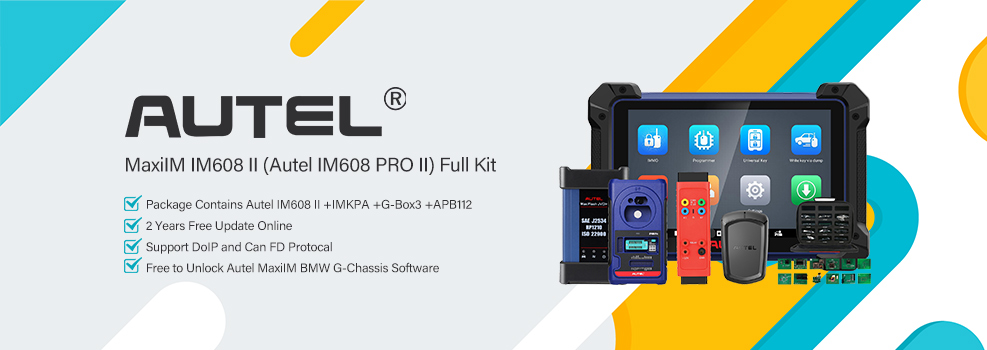

This 2021 Hyundai Genesis GV80 smart key job was completed with the Autel MaxiIM IM608 II. The PIN code was already obtained, and the remaining work was registering the replacement smart key through the vehicle’s keyless system.
Vehicle Identification & Smart Key Programming
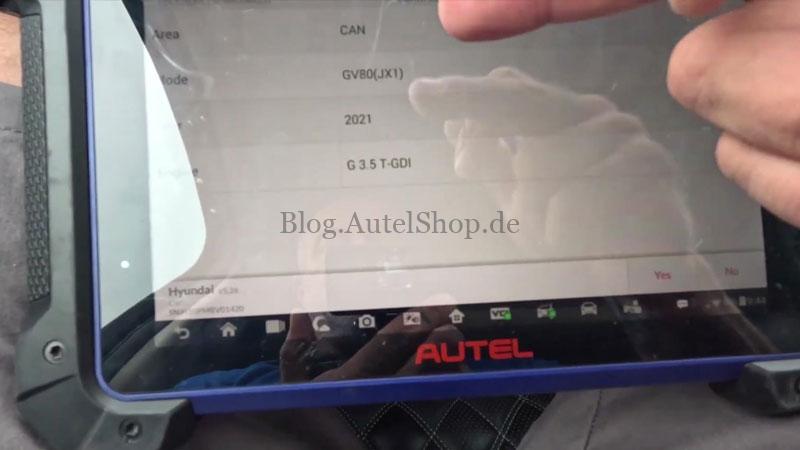
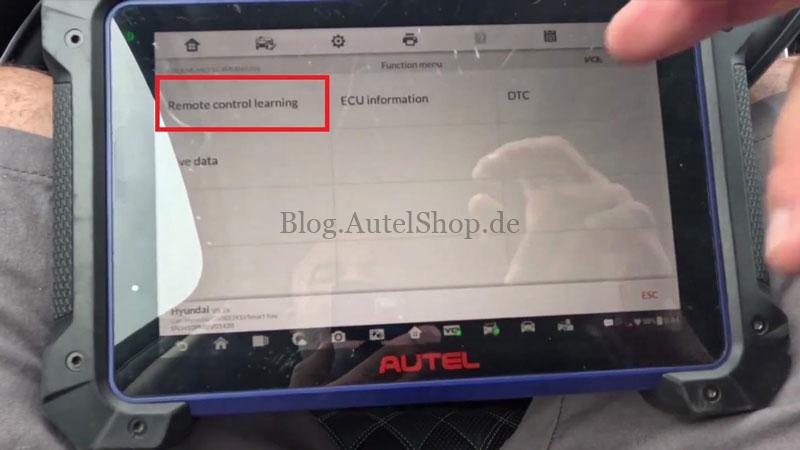
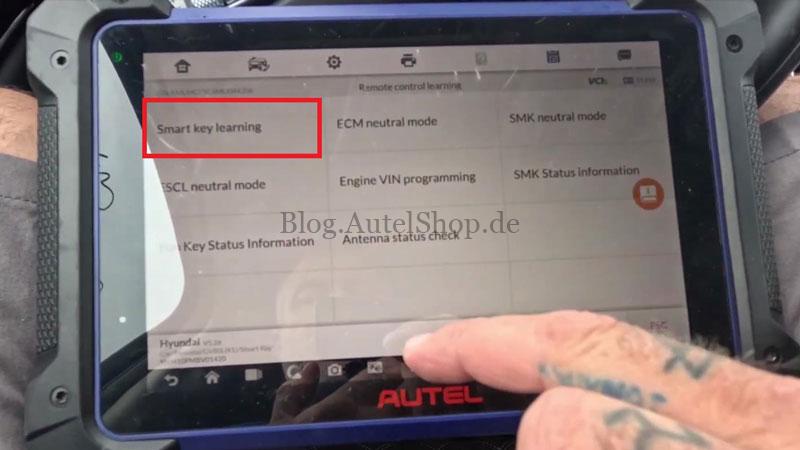
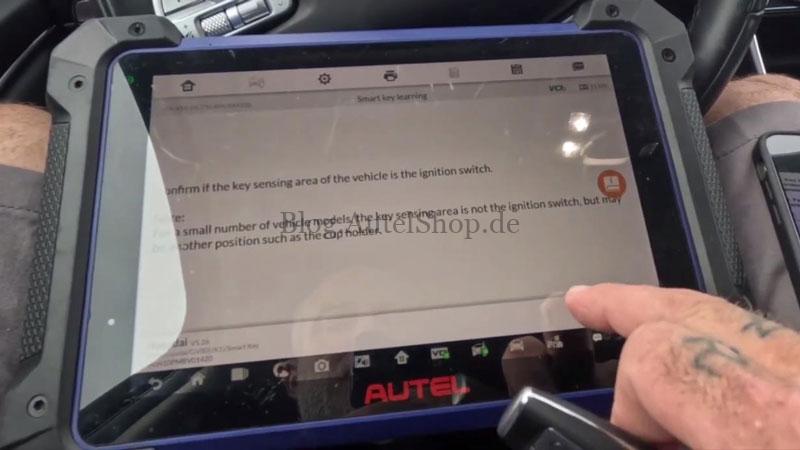
Enter: IMMO → Hyundai → Automatic Selection → Read → Confirm Vehicle Info → Control Unit → Keyless System → Remote Control Learning → Smart Key Learning
Select Yes to continue. This function supports both add-key and all-keys-lost procedures. Existing keys will be erased and must be relearned if required.
Follow the IM608 Pro2 prompts:
- Turn on the hazard warning lights.
- Turn the ignition off.
- Open and close the driver door once.
PIN Entry and Key Programming
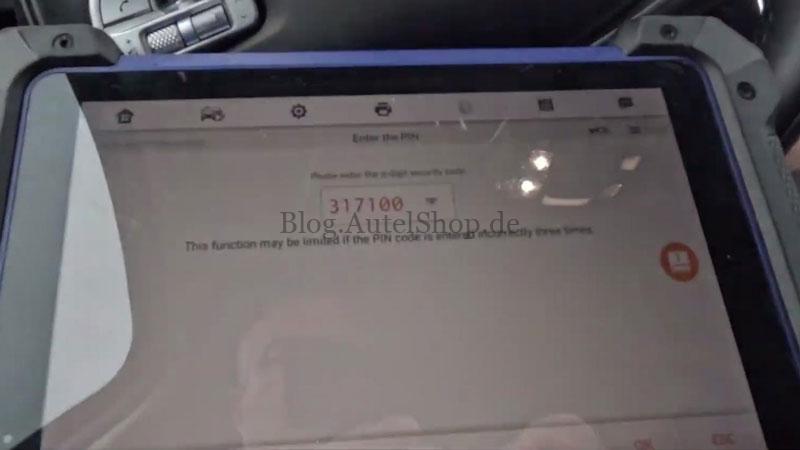
- Enter the PIN code when prompted.
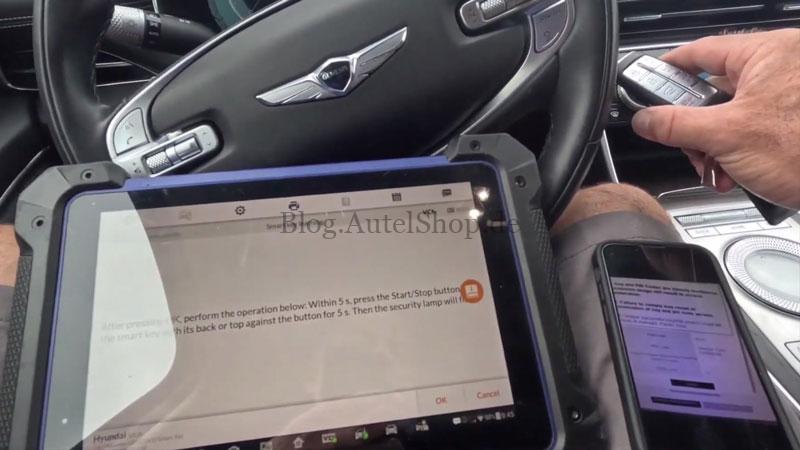
- After the PIN is accepted, press OK. Place the smart key near the Start/Stop button and press the button with the key.
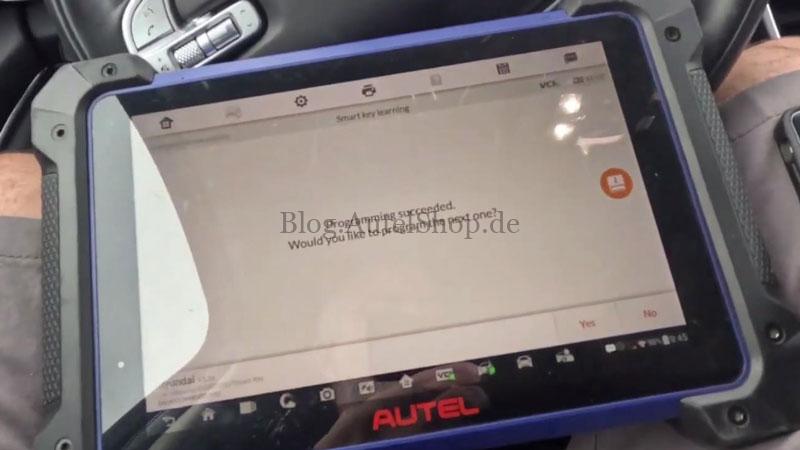
- When the tool displays Programming succeeded, select Yes to add another key.
- Repeat the same process for the second key. When finished, select No to complete the programming.
Key Function Check
Check the programmed keys. Make sure the vehicle recognizes both keys.
Verification
The vehicle starts normally with the programmed keys, and the basic smart key functions operate correctly.
Contact Info:
Email: sales@AutelShop.de
Wechat: +86-13429866263
Whatsapp: +86-13429866263
www.autelshop.de