
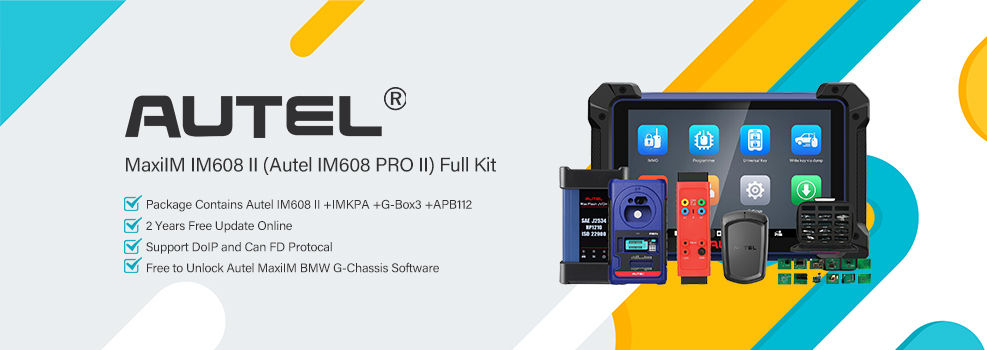

I recently handled an all-keys-lost job on a 2015-2017 Ford Expedition. The Autel MaxiIM KM100 and IM608 II got the new smart keys programmed without any issues.
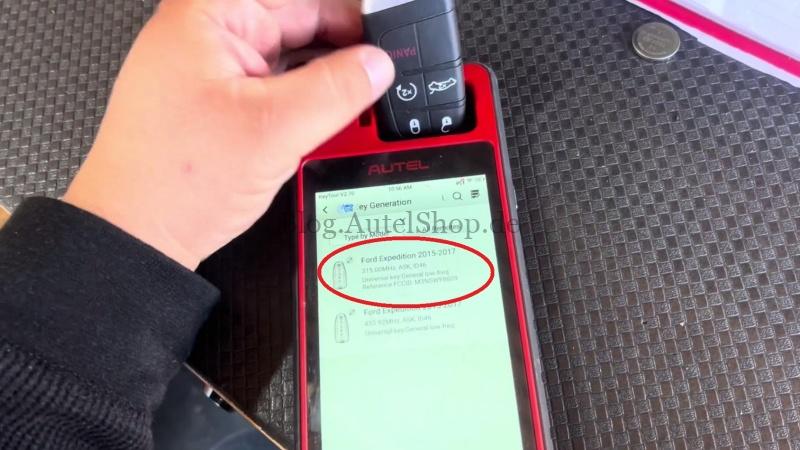
1. Generate a Universal Smart Key
- Insert a smart key into the Autel KM100 slot.
- Select Universal Key >> North America >> Ford >> Expedition >> Ford Expedition 2015–2017 >> Generate Universal Key.
Wait for Generation successful.
2. Access All Keys Lost
On the Autel IM608 II, follow this menu path:
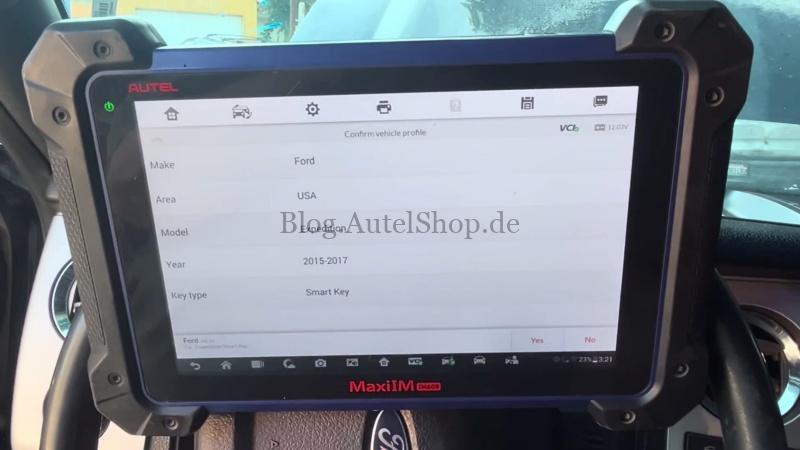
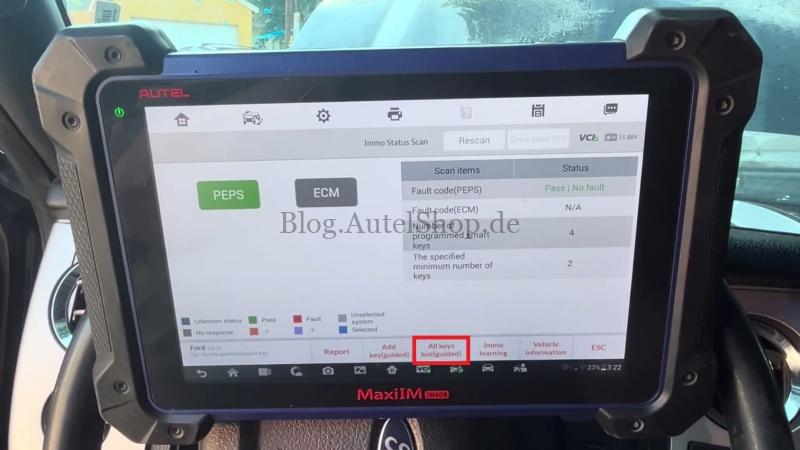
IMMO >> Ford >> Manual Selection >> Ford >> USA >> Expedition >> 2015–2017 >> Smart Key >> Yes >> Immo Status Scan >> All Keys Lost >> Start
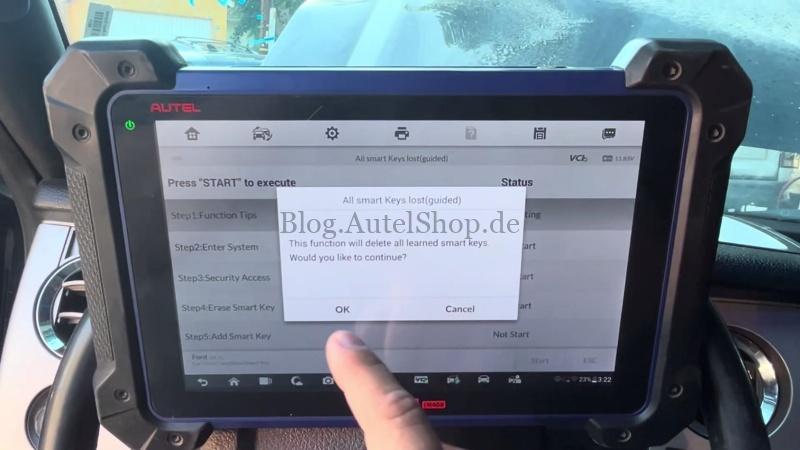
The system warns that all learned smart keys will be deleted. Press OK to continue.
3. Erase Existing Keys
- Turn the ignition ON with the engine OFF.
- Press Yes when prompted. The procedure takes about 10 minutes.
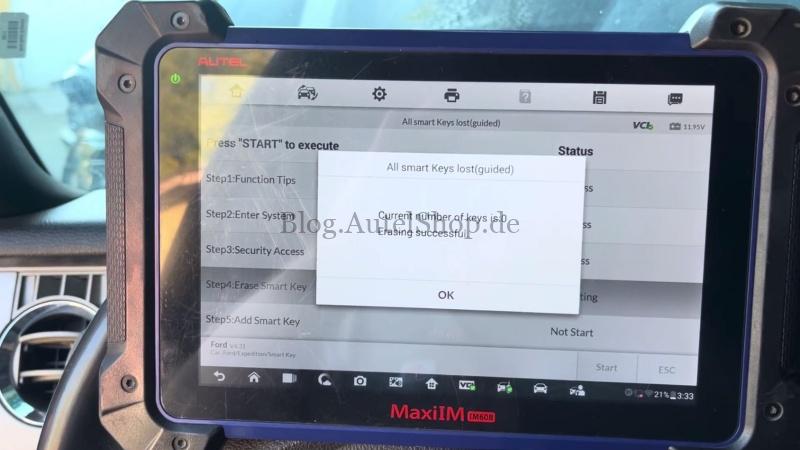
- Wait for Erasing successful. The learned key count should change from 4 to 0.
4. Learn New Smart Keys
- Place the smart key in the designated slot, usually inside the armrest box, cup holder, or glove box.
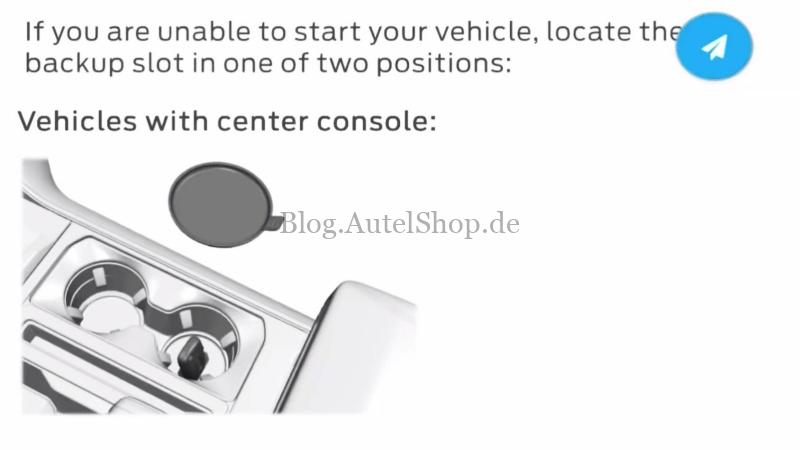
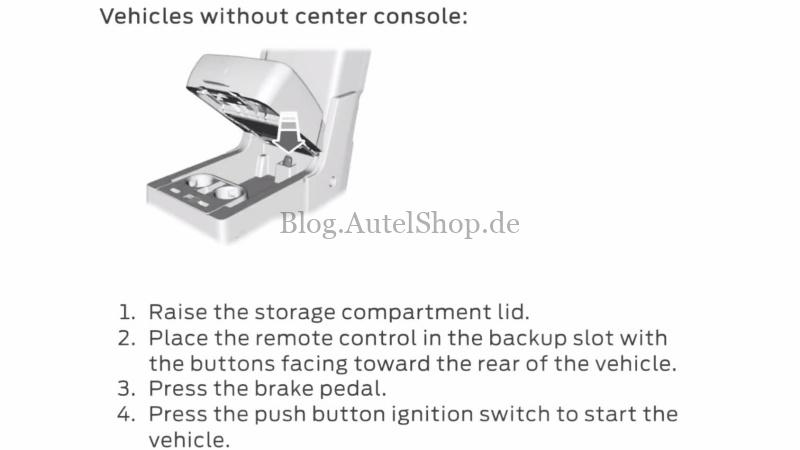
- If the vehicle cannot start, use the backup slot:
- With center console: Locate the backup slot.
- Without center console: Raise the storage compartment lid and place the remote in the backup slot with the buttons facing the rear of the vehicle.
- Press the brake pedal, then press the push-button ignition switch to start the vehicle. Press OK to continue.
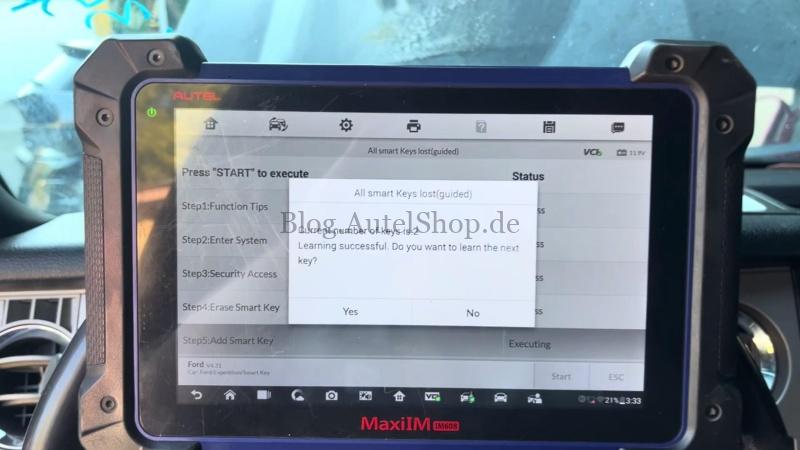
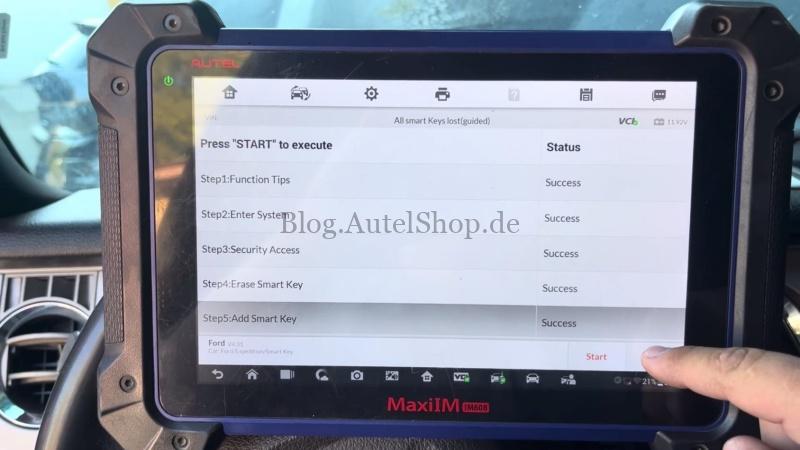
- Once Learning successful appears and the key count reaches 1, select Yes to learn another key. Repeat for additional keys, then press No when finished.
5. Final Check
Start the Expedition with the newly programmed smart key. Confirm that the engine starts and the basic key functions work normally.
Contact Info:
Email: sales@AutelShop.de
Wechat: +86-13429866263
Whatsapp: +86-13429866263