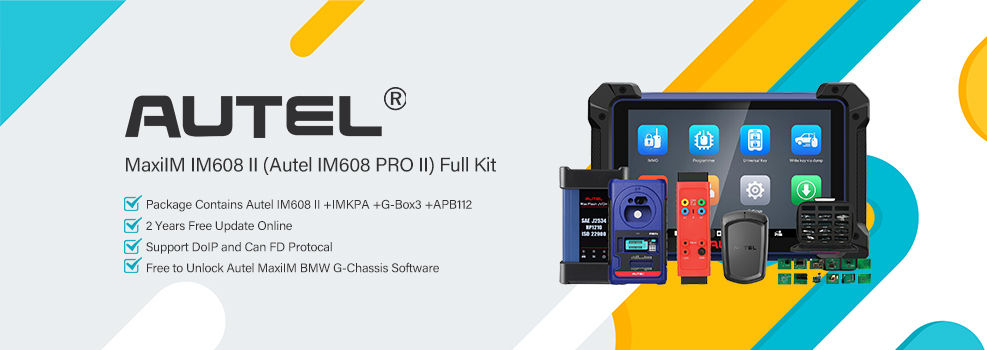

On this 2024 Ford Bronco Sport, I used the Autel MaxiIM IM608 II to add a new smart key. The procedure went smoothly, taking about 4 minutes for the system configuration, and both the new key and its remote functions worked afterward.
1. Access the Immobilizer Function
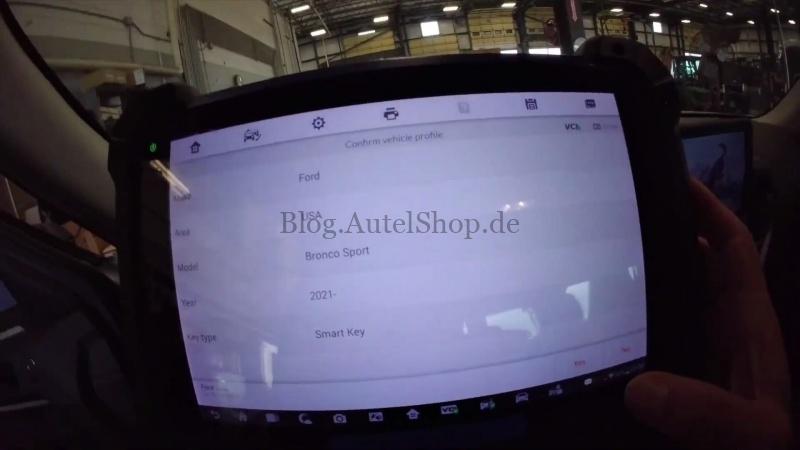
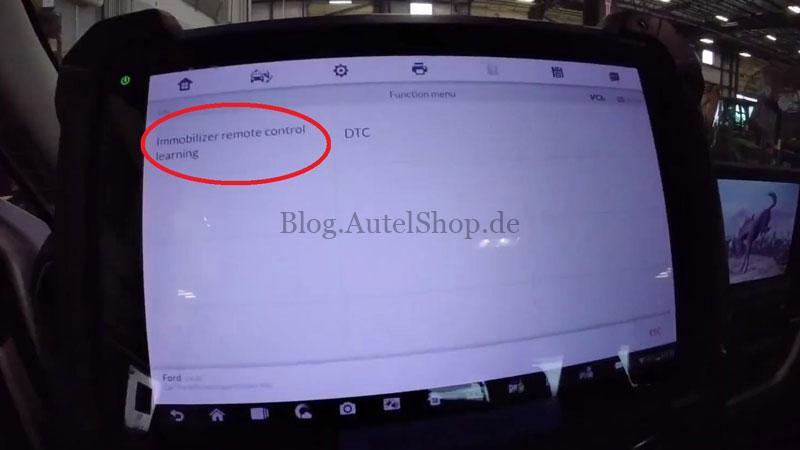
- Go to IMMO >> Manual Selection >> Ford >> USA >> Bronco Sport >> 2021- >> Smart Key >> Yes >> Control Unit >> Keyless System (CAN) >> Immobilizer Remote Control Learning.
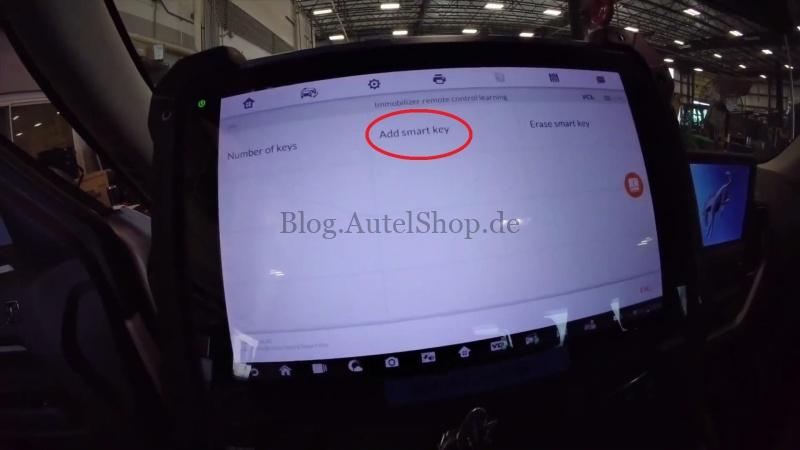
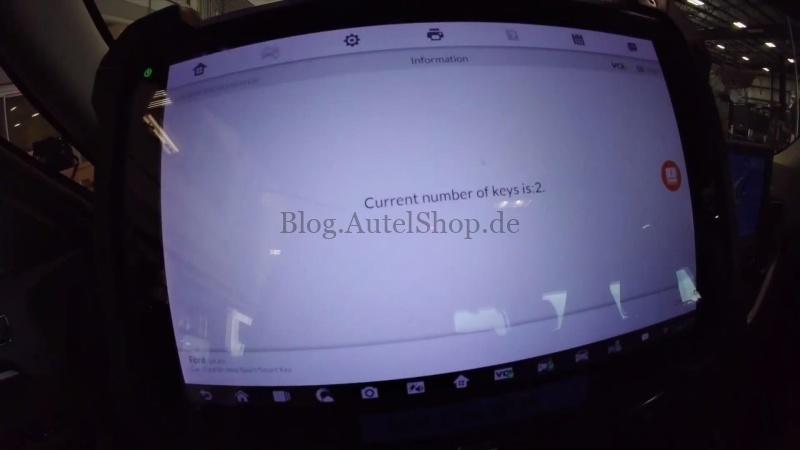
- Check the Current Key Count. The vehicle has 2 registered keys. Select Add Smart Key.
Important: Connect the VCI to the Autel IM608 II tablet via USB. Otherwise, the function may fail.
2. Prepare the System
- Press OK to proceed. Make sure the IM608 II has an active internet connection, as this function requires network access.
- The instrument cluster may go black during the procedure. This is normal. Press Yes to continue.
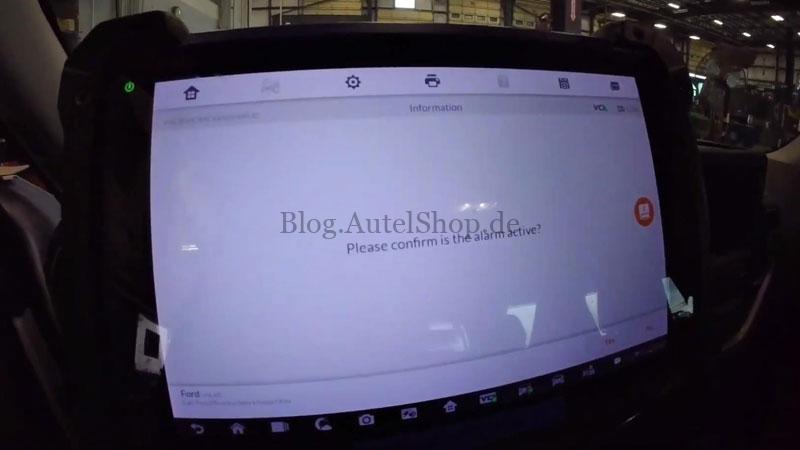
- When prompted “Please confirm is the alarm active?”, select “No” if there is no active alarm.
This function will not erase the existing keys.
3. Add the New Smart Key
The key used here is a 1426 (last four digits of the FCC ID), which supports remote start. The 1423 and 2300 are alternatives with lock, unlock, and panic functions only.
- Wait about 2 minutes for system configuration.
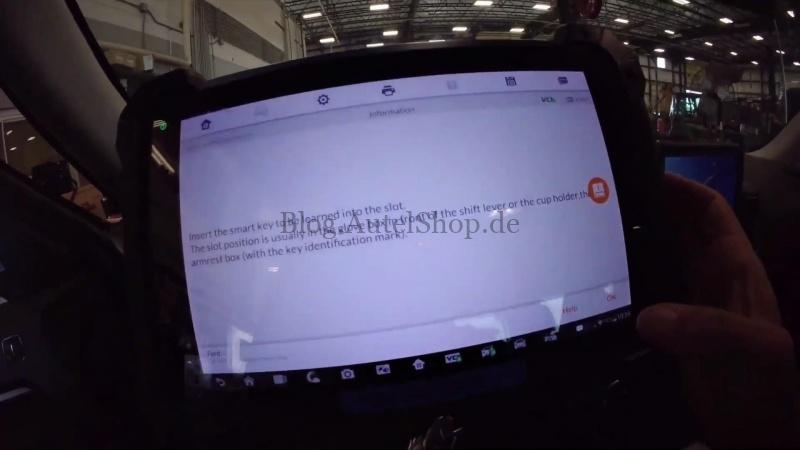
- Insert the new smart key into the designated slot. It is usually in the glove box near the shift lever, the cup holder, or the center armrest compartment. Look for the key identification symbol.
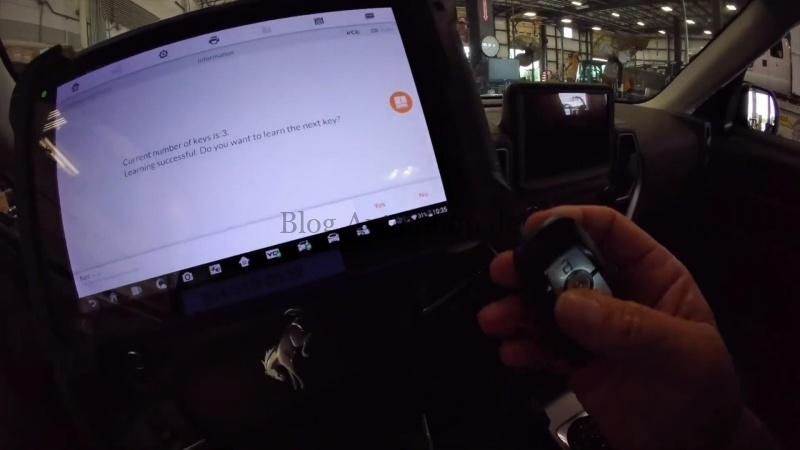
- Wait until the key count changes from 2 to 3 and Learning Successful appears.
- When asked whether to learn another key, select No to complete.
4. Start the Vehicle
Remove the newly programmed key and try starting the vehicle.
The engine starts, and the remote functions work normally. Key programming is successful.
Contact Info:
Email: sales@AutelShop.de
Wechat: +86-13429866263
Whatsapp: +86-13429866263
www.autelshop.de