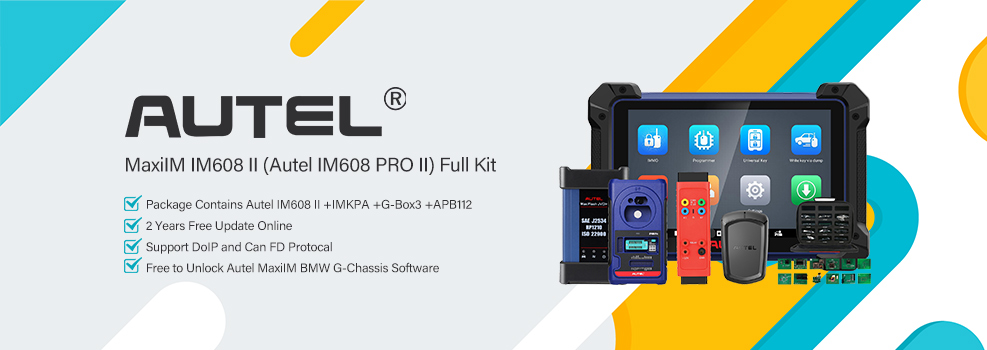

This was a straightforward add-key job on a 2025 Honda Pilot. We had one working key and used the Autel MaxiIM IM608 II to register the second proximity key.
Check the Key and Start the Job
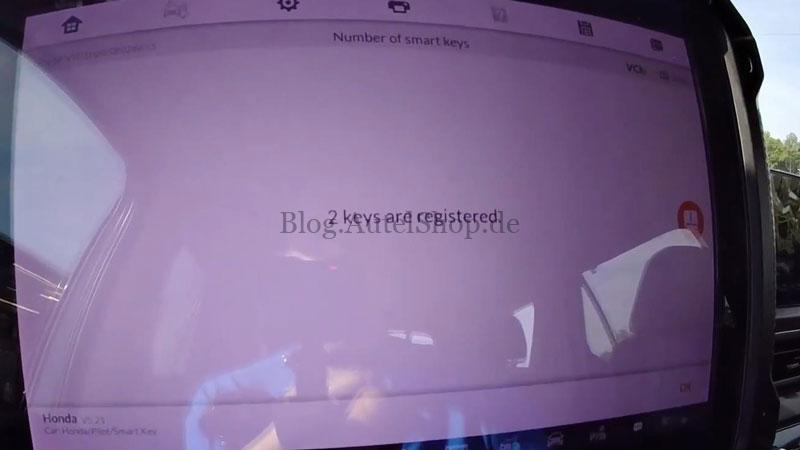
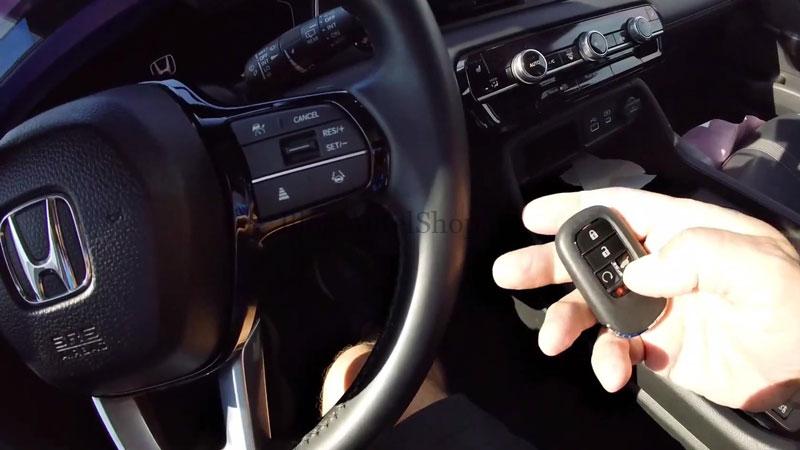
The replacement key had a hatch button, while the factory key had a trunk button, so the button configuration was checked before programming. The vehicle already showed two smart keys registered, but the job was to add the replacement key.
Access the Honda Keyless System
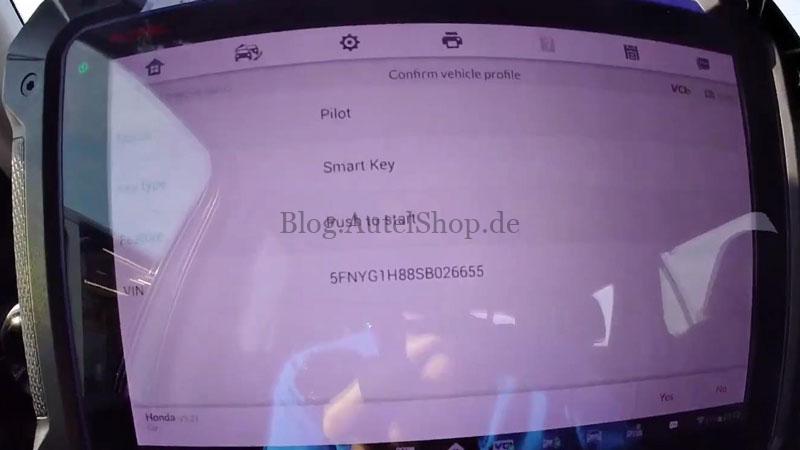
- Connect the Autel IM608 II and select Automatic Selection → Smart Key → Push to Start → Yes → Control Unit → Keyless System (Honda).
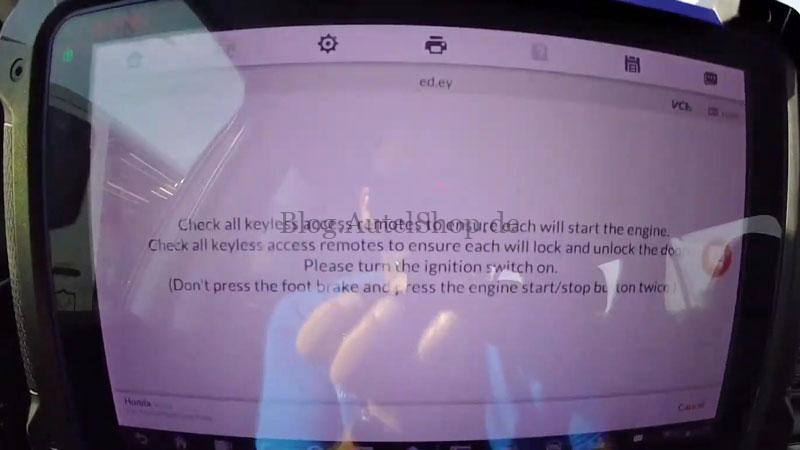
- When prompted, confirm that the ignition is turned on by pressing the Start button twice. Check Number of Smart Keys to see the registered-key count.
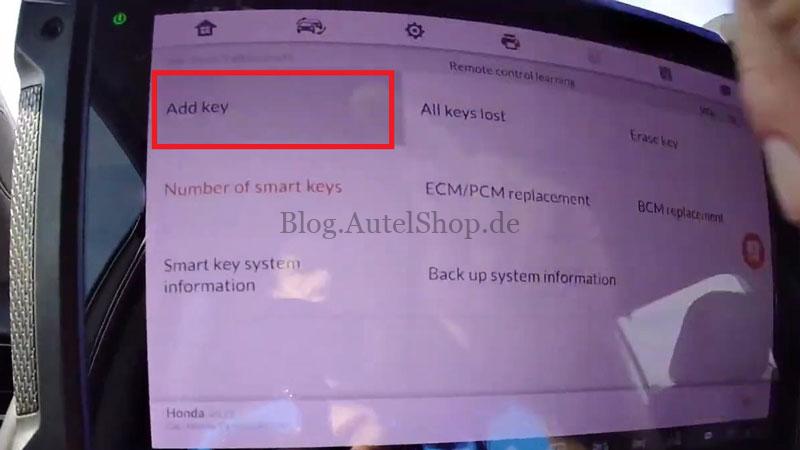
- Select Add Key → Yes to begin the registration procedure.
Register the Replacement Key
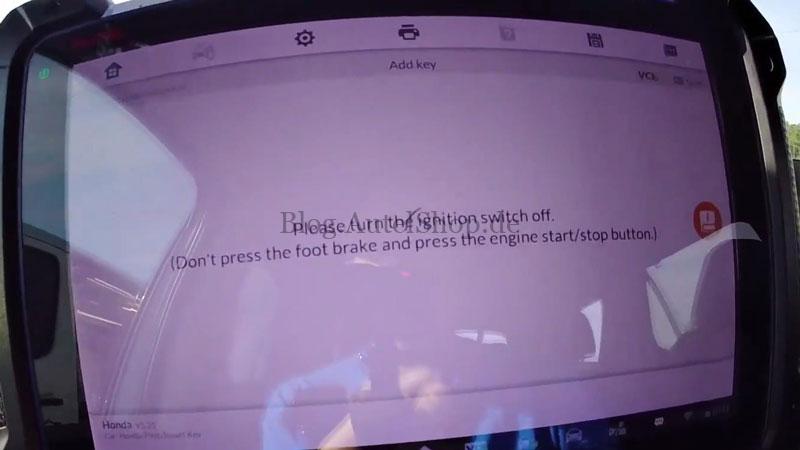
- After selecting Add Key → Yes, turn the ignition off as prompted. Remove the new key and leave the original working key in the vehicle.
- Turn the ignition on and follow the vehicle condition check. When prompted All keys out, remove the key from the vehicle.
- Bring the new key back into the vehicle. Turn the ignition off and back on as prompted. Confirm both the keyless access and immobilizer indicators are off; registration is complete.
Verification
Turn the ignition off and back on as prompted, then start the Pilot. The engine started normally, and the key’s basic functions worked, including the hatch button.
Contact Info:
Email: sales@AutelShop.de
Wechat: +86-13429866263
Whatsapp: +86-13429866263
www.autelshop.de