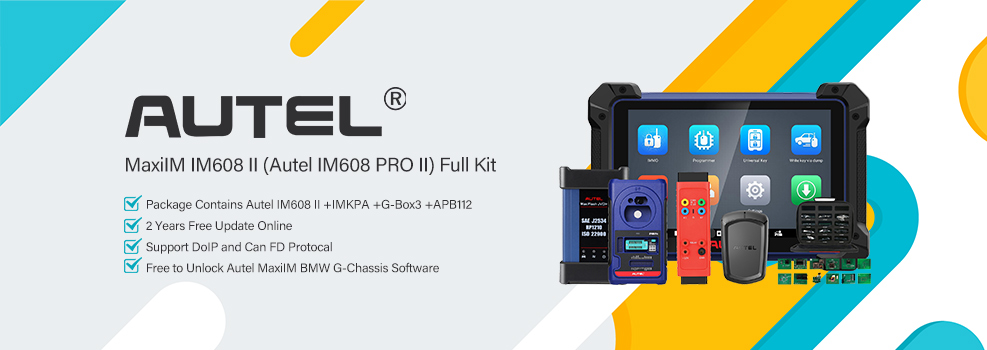
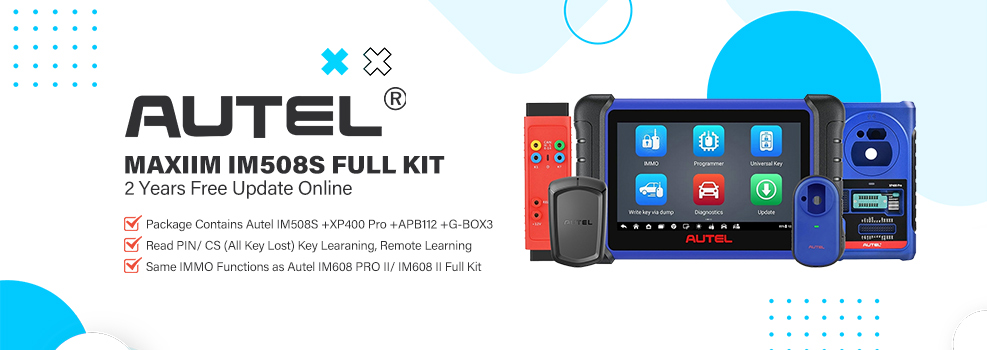

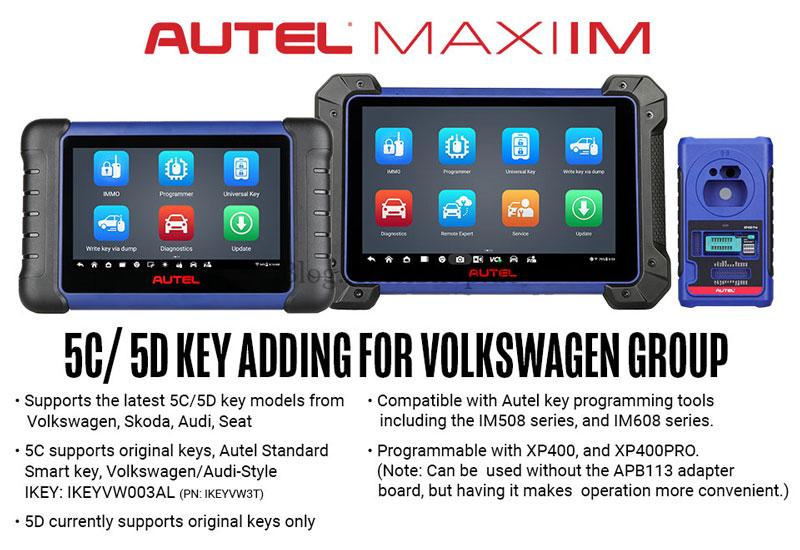
The latest Autel software update introduces support for VAG 5C and 5D protocol key learning, specifically designed for the newest generation of Audi, Volkswagen, Skoda, and Seat models (2020-2026). By utilizing the Autel IM608 II or IM508S in conjunction with the APB113 Adapter, technicians can now perform advanced immobilizer services on high-security vehicles like the Golf 8 and Audi A6 (2026).
Required Hardware & Software
To ensure a successful programming process, the following components are mandatory:
- Tablet: Autel MaxiIM IM608 II or IM508S series.
- Programmer: XP400 Pro/XP400/XP401/XP401 Pro or XP1 Pro.
- Adapter: Autel APB113 Adapter.
- Key Type: Original Key, Autel Smart Key, VW/Audi-Style IKEY. (Note: 5D currently supports original keys only.)
Vehicle Coverage Highlights
- Audi: A3 2021-, A5 2025-, A6 2026-, Q4 2022-, Q5 2025-, Q6 2023-, Q8 2024-
- Skoda: Fabia 2022-, Superb 2020-, Kodiaq 2020-, Octavia 2021-, Enyaq 2021-, Kushaq 2021-, Kamiq 2021-, Karoq 2020-
- Seat: Leon 2020-, Tarraco 2019-, Formentor 2021-, Born 2022-, Tavascan 2024-, Ibiza 2018-, Arona 2018-, Ateca 2020-
- Volkswagen: Multivan 2020-, Arteon 2020-, Atlas 2020-, Caddy 2021-, CC 2019-, Crafter 2020-, Golf 2020-, Jetta 2019-, Nivus 2021-, Passat 2022-, Polo 2020-, Taigo 2022-, Taos 2021-, T-Cross 2019-, Teramont 2019-, Tiguan 2019-, Touran 2020-, Transporter 2020-, T-Roc 2020-, Vento 2020-, Virtus 2020-, ID.3 20220-, ID.4 2021-, ID.5 2021-, ID.7 2024-, ID.Buzz 2023-
Operating Procedure: Step-by-Step
Check Video Tutorial
Step 1: Read IMMO Data
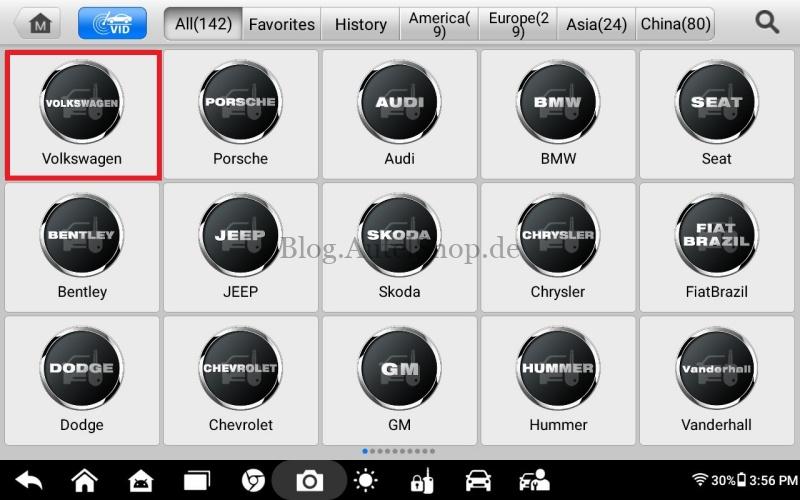
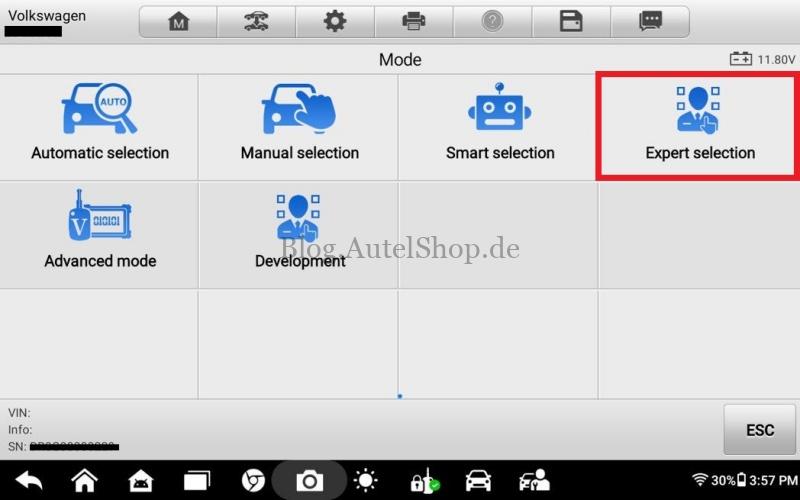
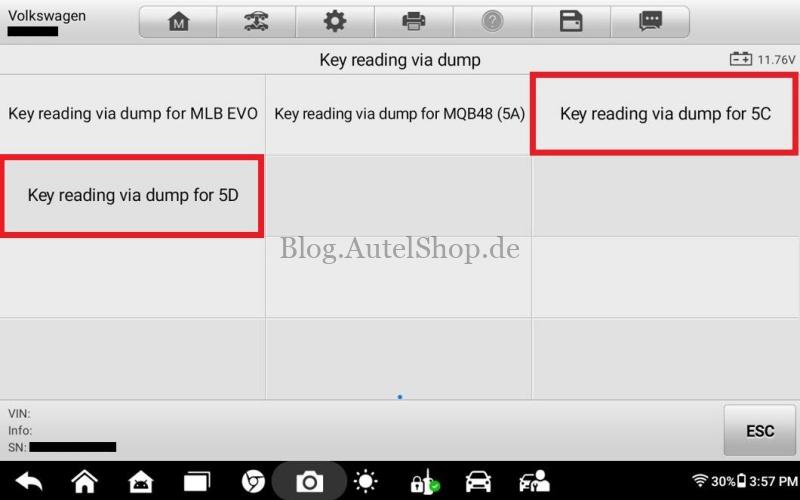
- Connect VCI to OBDII port, navigate to: Immobilizer > Volkswagen/Audi > Expert Selection > Key reading via dump for 5C/5D > Read Vehicle Information.
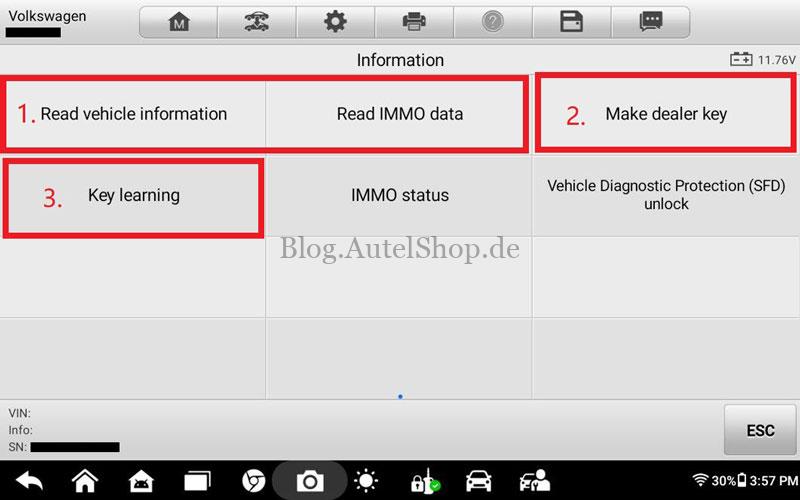
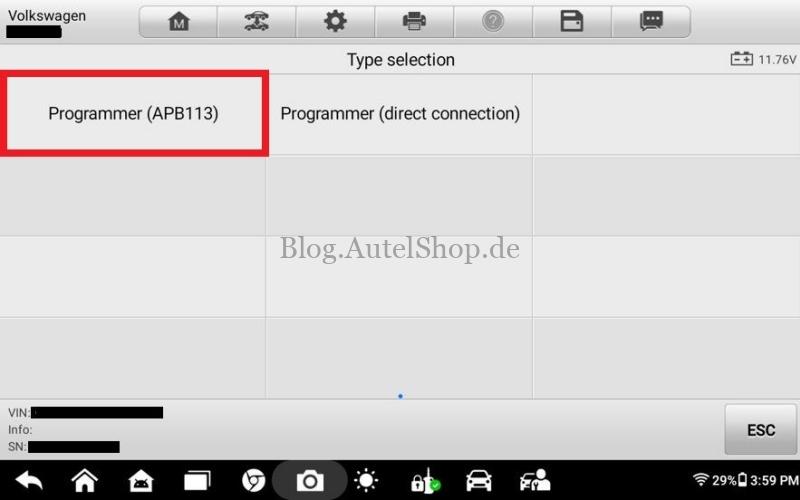
- Select Read IMMO Data > Programmer(APB113).
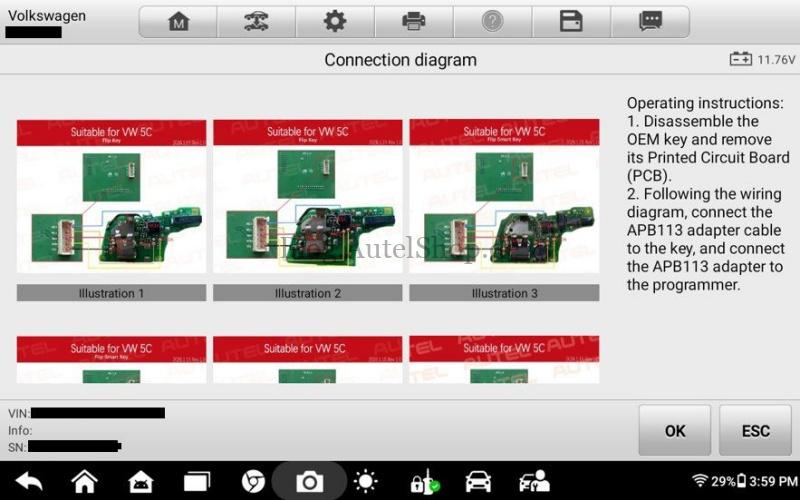
- Remove the original PCB and connect wires according to the diagram provided on the tablet.
- Follow the prompts to save the immobilizer data file locally.
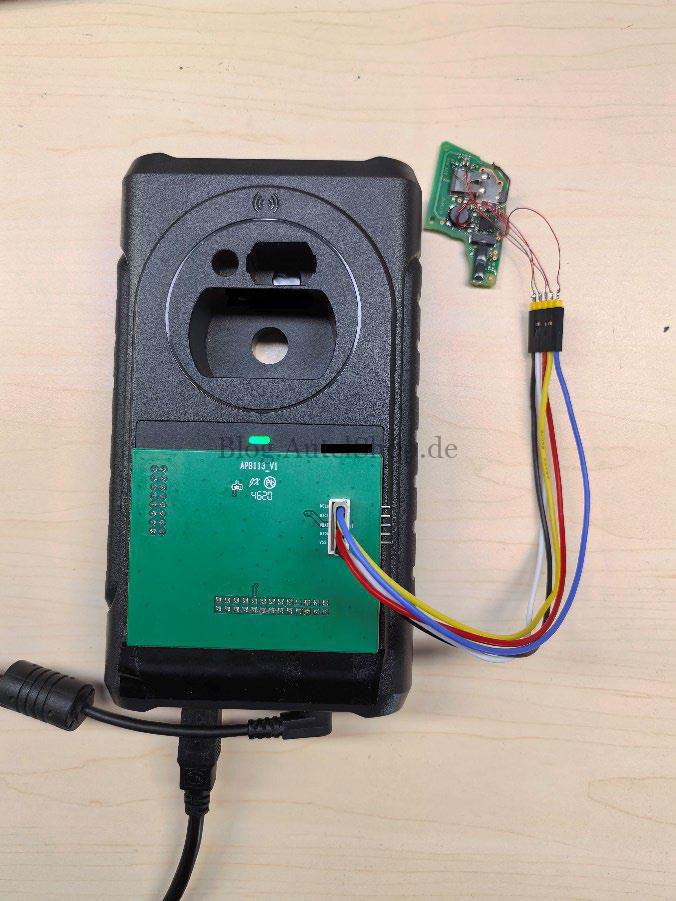
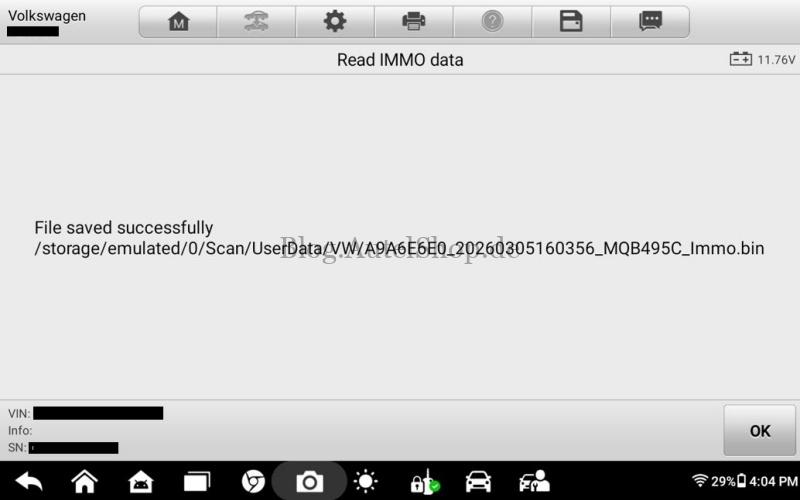
Step 2: Make Dealer Key
*Support wireless & wired methods, please choose as needed:
- Select Make Dealer Key > Programmer(APB113) on the tablet screen.
- Remove the PCB board of the new key and connect it according to the diagram.
- Load the immo data bin file saved in Step 1, click OK and ensure execution succeeded.
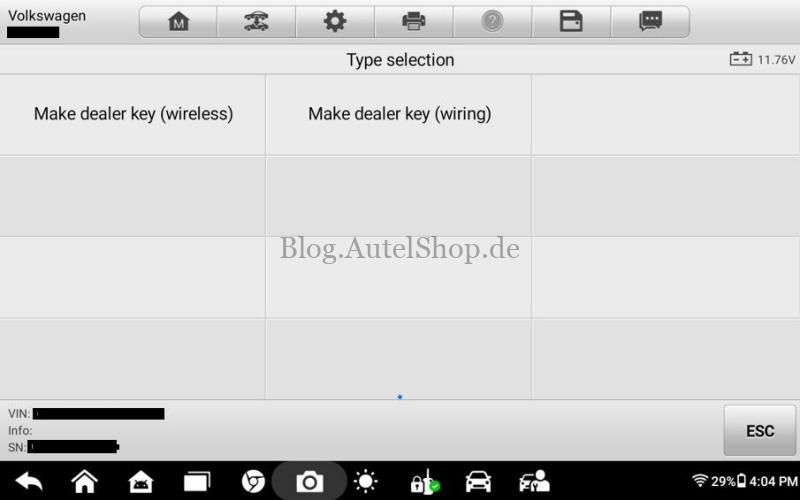
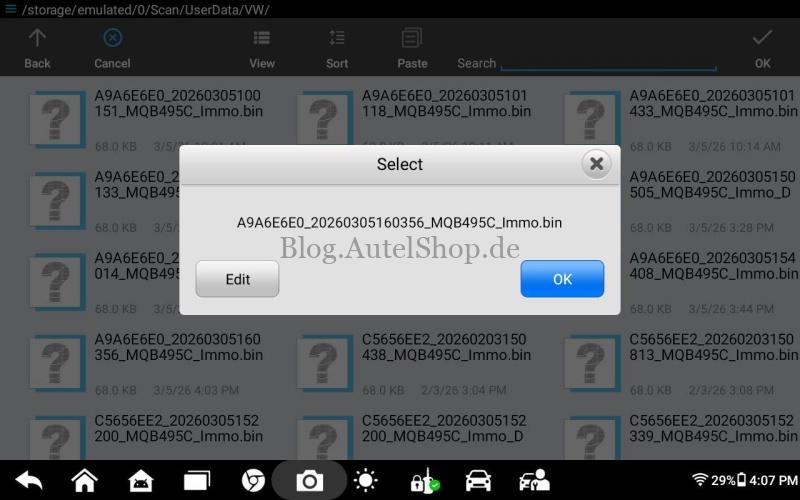
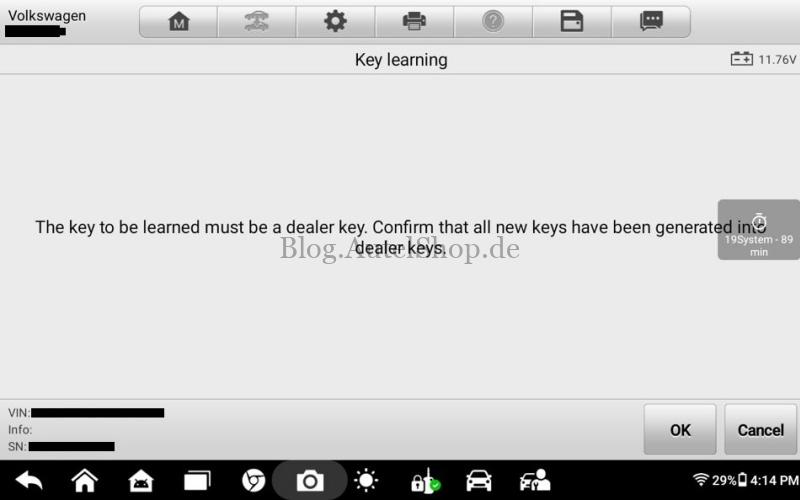
Step 3: Key Learning
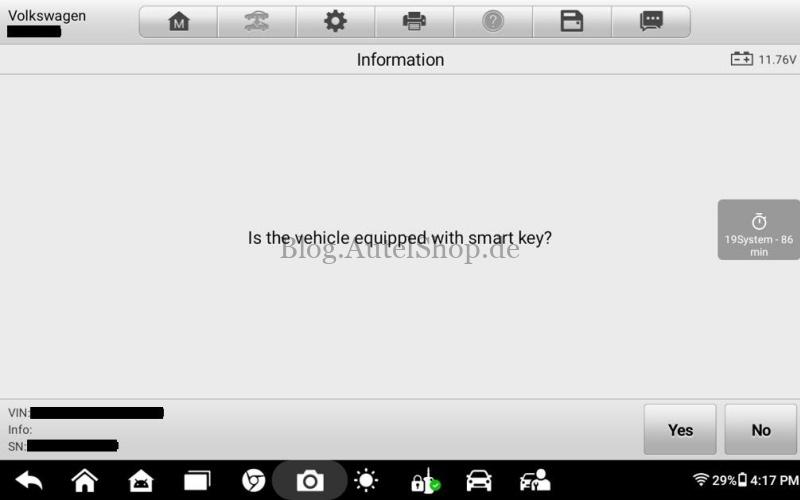
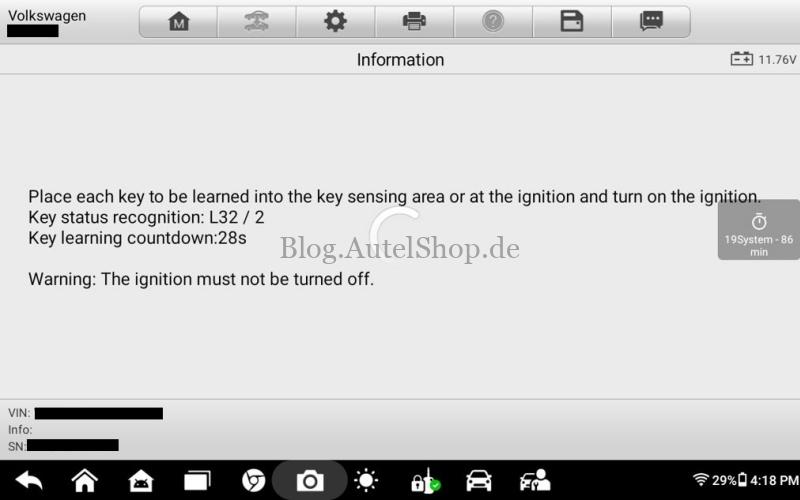
- Select Key Learning and the key type (Smart Key or Mechanical Key).
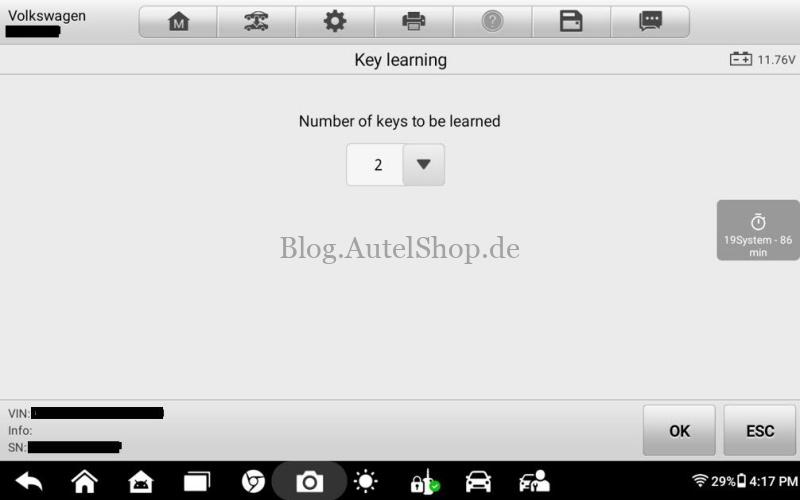
- Enter the number of keys to be programmed.
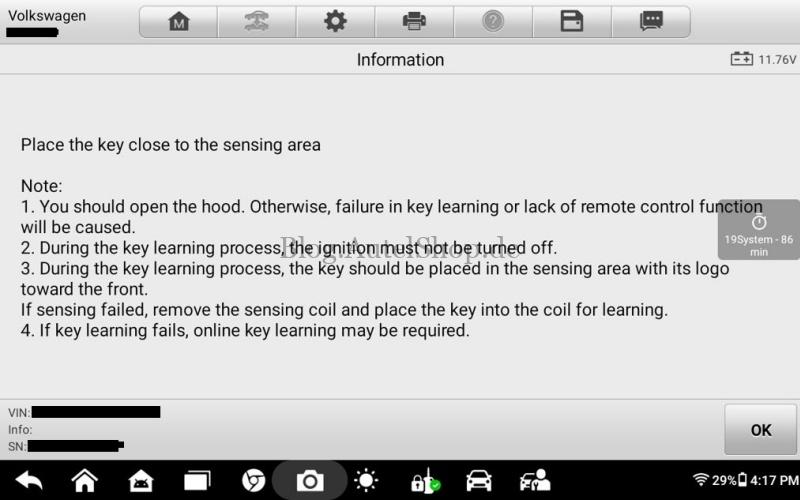
- Place the new key near the vehicle’s sensing area (emergency start antenna) as instructed.
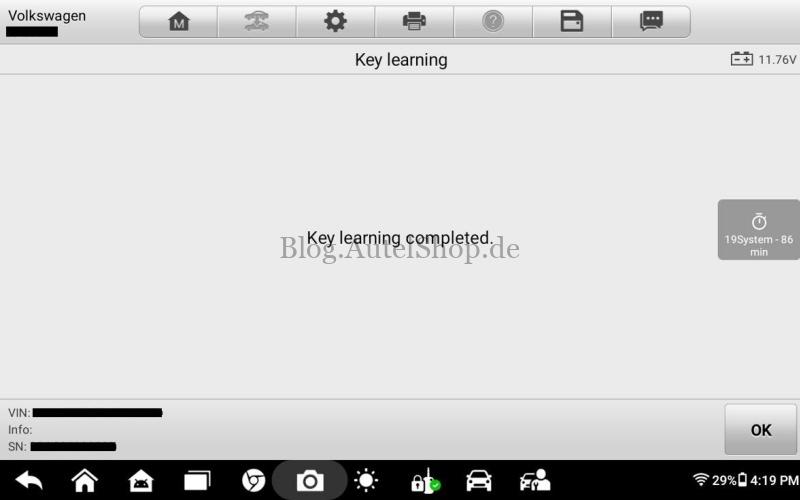
- Once the process is complete, the tablet will display “Key Learning Completed.”
Expert Tips for SEO & Efficiency
- Battery Stability: Always maintain a vehicle voltage above 12.5V to prevent data corruption during the IMMO read.
- Signal Management: Keep other smart keys at least 2 meters away from the vehicle to avoid wireless interference.
- Original Key Requirement: A working original key must be present to extract security data via the APB113.
Technical Support
Email: sales@AutelShop.de
Wechat: +86-13429866263
Whatsapp: +86-13429866263
Website: www.autelshop.de