

I’m a working automotive technician, and after testing a Topdon scanner, I decided to return it and keep the Autel MaxiCOM MK900. I’ve been using the MK900 for over a month, and it’s already paid for itself seven times over through the vehicles I’ve diagnosed and repaired. Topdon wasn’t a bad scanner, but the MK900 simply fits the way I work better. Here’s what made the difference for me.
Why I Kept the MK900: My Workshop Experience
1. Size & Wired Connection Matter
- MK900: Compact body and wired VCI.
- Topdon: Larger tablet with wireless connectivity.
I don’t need a huge tablet in the driver’s seat. The MK900 is easier to handle when I’m working inside a vehicle, and I actually prefer having a wired connection. When I’m checking live data, I’d rather have a cable than worry about wireless convenience.
I prefer the wired MK900, but if Bluetooth is your thing, I’d go with the MK900BT.
2. Live Data & Full-System Scanning
This is where the MK900 won me over.
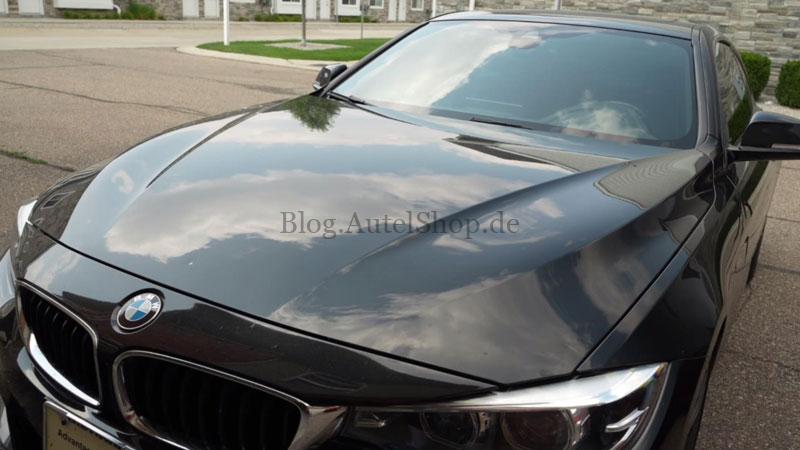
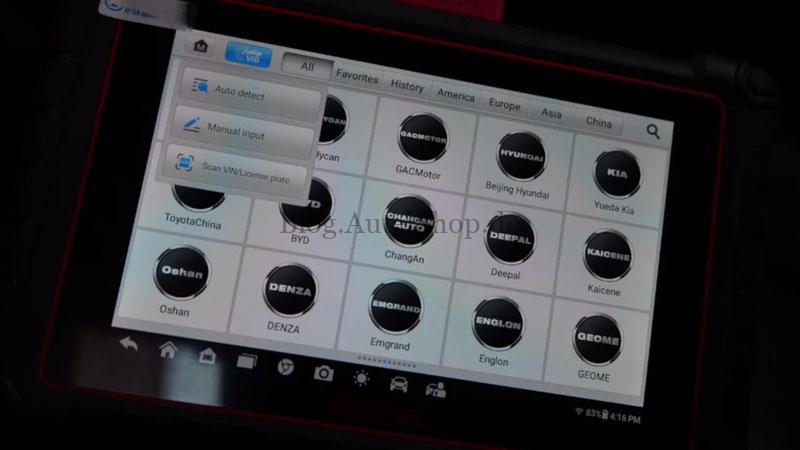
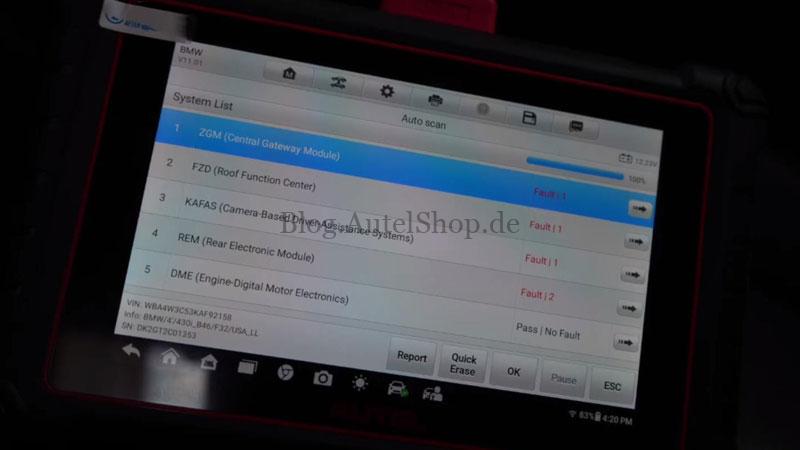
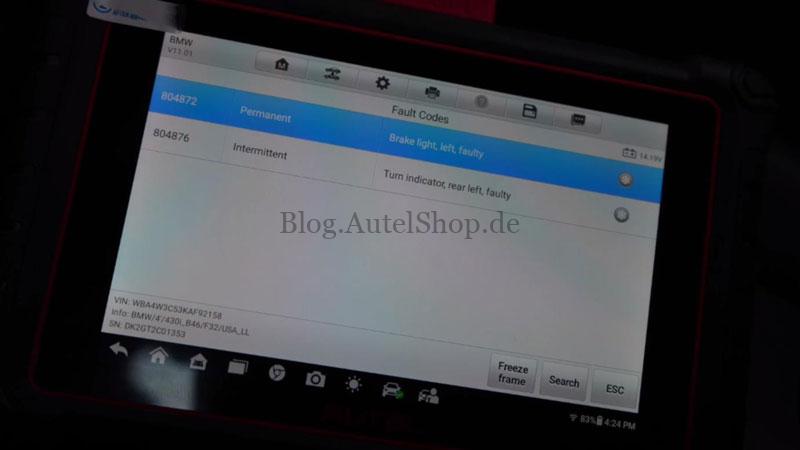
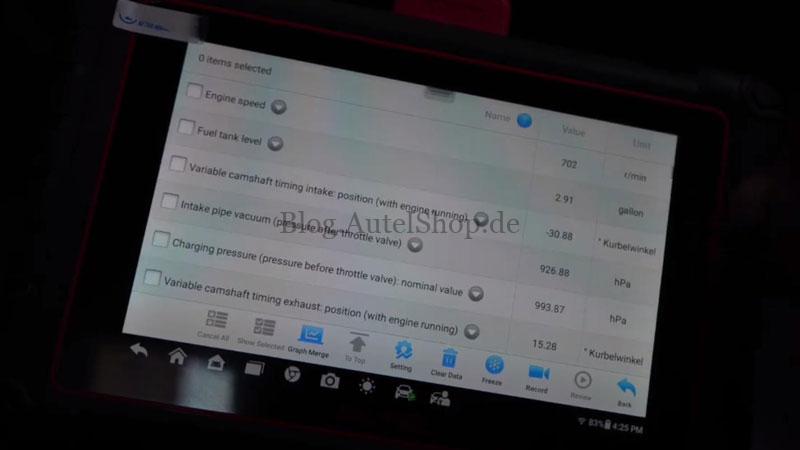
I used it on my 2019 BMW 4 Series, ran Auto VIN, and scanned all the control modules. I could go straight into individual modules, read codes, check live data, and access active tests.
The scan picked up several faults, including:
- An intermittent FlexRay synchronization fault.
- Anti-theft alarm-related faults.
- A left brake light fault caused by an issue with the tail light assembly.
These were actual faults on my car, not just examples from a demonstration.
For me, this is what a diagnostic scanner should do: help me find what’s wrong with the vehicle and give me the information I need to investigate it.
3. Active Tests & Control Unit Access
I’ve tried several active tests on the BMW, and most of them worked as expected.
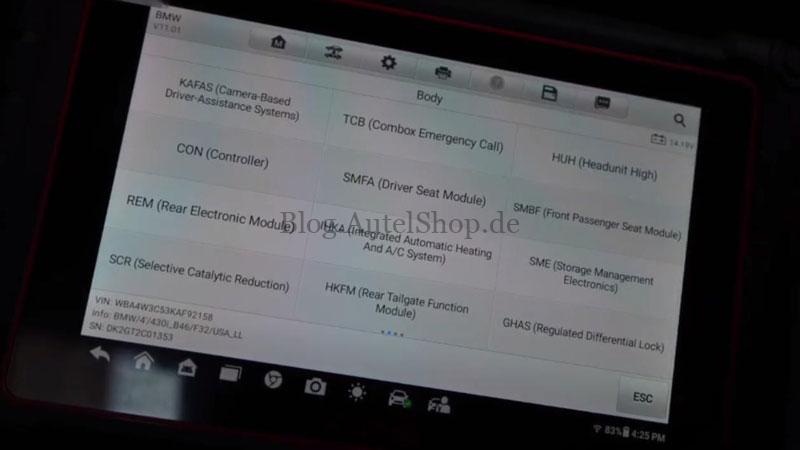
I also like how easily I can get into individual control units and move between body, chassis, and drive systems. When I’m chasing a fault, I don’t want to waste time digging through menus to find the module I need.
It’s a practical setup, and that’s what I care about.
4. Service Functions I Actually Use
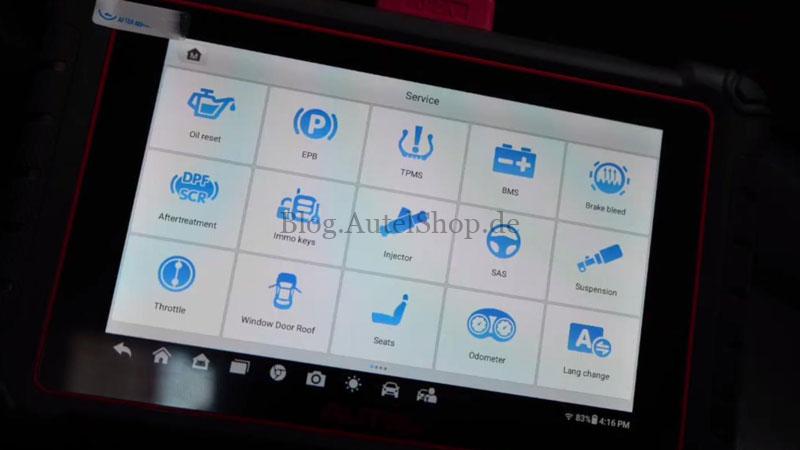
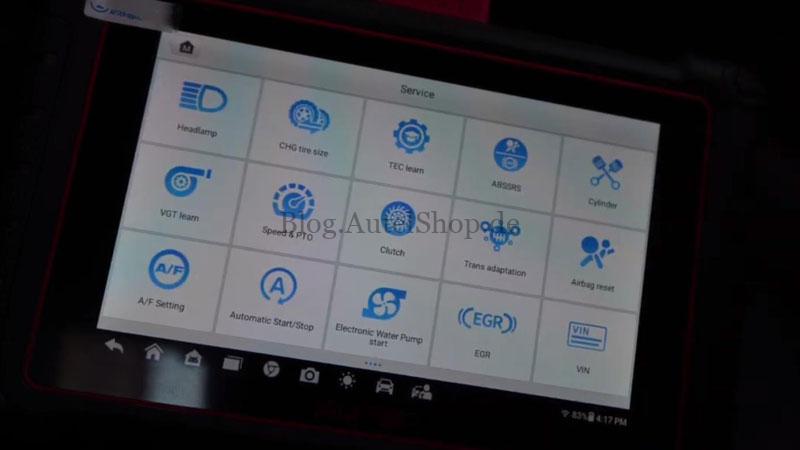
The MK900 has the usual service functions I need for everyday jobs:
- EPB reset
- Oil reset
- TPMS
- BMS
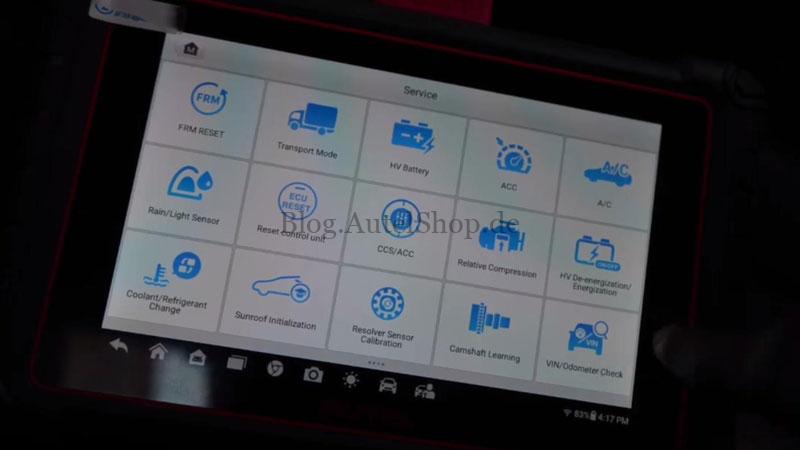
One function I also find useful is the VIN/odometer check. It checks vehicle information stored across different control modules, which can help spot inconsistencies.
Topdon has more functions on its list, but honestly, more doesn’t always mean better. Some of those extra features aren’t things I’d use regularly. I’d rather have the functions I need than a scanner full of options that rarely get touched.
5. The Interface Isn’t Fancy, But It Works
I’ll give Topdon this one: its interface looks more modern.
The MK900 runs an older version of Android, and you can tell. But it’s responsive, and I haven’t had any real problems using it.
I’m not buying a scanner to browse the internet or use it like a phone. I want to diagnose cars, and the MK900 gets that job done.
Topdon is also better when it comes to the camera, screenshots, screen recording, and AI-assisted features. Those are nice extras, but they aren’t what I look for first in a professional diagnostic tool.
What I Liked / What Could Be Better
What I liked:
- Smaller and easier to handle inside a vehicle.
- Wired connection, which suits my diagnostic workflow.
- Real-time live data and full-system scans.
- Active tests that worked well in my testing.
- Service functions that cover my everyday needs.
What could be better:
- The Android interface looks dated compared with Topdon.
- Camera quality is basic.
- No topology mapping.
- Screenshot and screen recording features aren’t as polished as Topdon’s.
Would I Buy It Again?
Yes. I’d buy the Autel MK900 again. It does what I need in the workshop, and that’s more important to me than having a scanner packed with features I rarely use. If I needed more advanced diagnostics, I’d look at the Autel MP900BT or MaxiSYS Ultra Lite instead. But for my everyday work, the MK900 is still the one I’d keep.
Contact Info:
Email: sales@AutelShop.de
Wechat: +86-13429866263
Whatsapp: +86-13429866263
www.autelshop.de