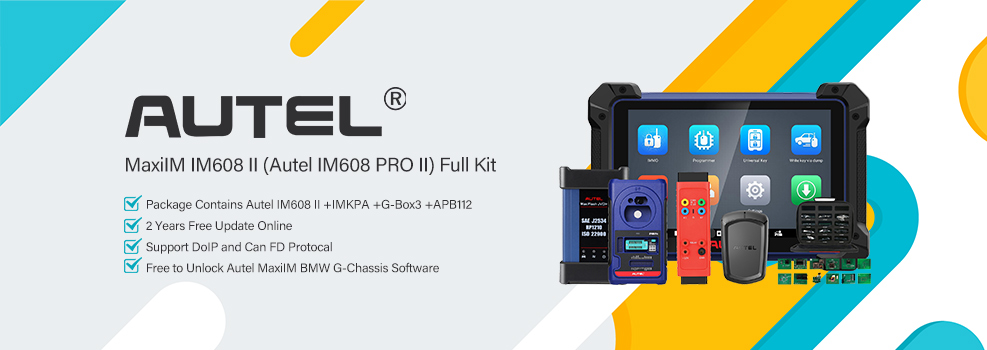

Problem: The Autel IM608 II displays: “Les données sont en cours de préparation, veuillez cliquer sur le bouton Recharger pour les récupérer plus tard.” (The data is being prepared; please click the Reload button to retrieve it later.)
Engineer’s Answer: Check the network connection first and retry with Reload. If the issue persists, reinstall the affected vehicle software, perform a factory reset, or upload logs to Autel Technical Support.
Solution
Follow these steps in order:
Check the network connection
- Connect the IM608 II to a stable Wi-Fi network or mobile hotspot.
- Use the built-in browser to confirm that web pages load normally.
Restart and retry
- Close the current diagnostic or update program and exit the function interface.
- Reopen it, go to Update, and click Reload.
Reinstall the vehicle software
- Go to Data Management > App Uninstall.
- Uninstall the affected vehicle software, then return to the update menu and download and install it again.
Perform a factory reset
- Go to System Settings > Reset > Factory Reset and select the option to erase internal storage.
- After the reset, return to the update interface and redownload all software.
Upload logs to technical support
- If the issue persists, go to MaxiTools > Logs > Start > Upload when the error occurs.
- Submit the logs and contact Autel Technical Support for further troubleshooting.
Technical Support
Email: sales@AutelShop.de
Wechat: +86-13429866263
Whatsapp: +86-13429866263
www.autelshop.de